Mode
Deep Focus
 LumenstateLibrary
BrainFM alternative
A simple focus-audio library with no account wall for starting a work block.
Play Deep Work Pearl nowWhy people use it
Use this if you like functional focus audio but want a simple browser-based option.
Listening setup
Deep Focus
70-95 BPM equivalent pulse
25 minutes
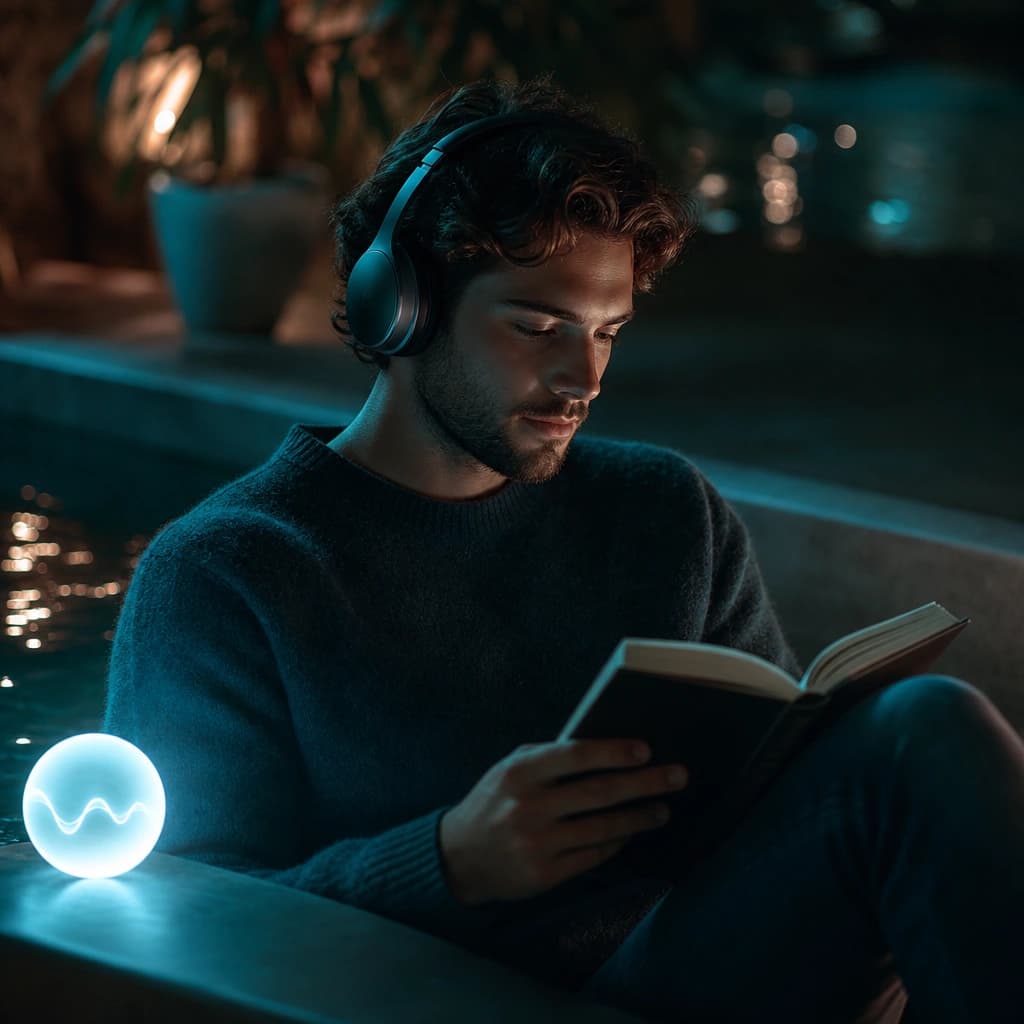
Use headphones when possible so the stereo movement feels stable and centered.
Sound science
Steady, low-distraction audio can work as an attention cue because it reduces the need to keep choosing background sound. Lumenstate uses non-vocal textures, slow stereo movement, and frequency-inspired beds so the sound supports a routine without competing with language-heavy work.
How to use Lumenstate
Put on headphones if you have them.
Choose one track that matches the work session.
Keep the same audio running until the block ends.
Related audio
 25 min
Deep Focus
 25 min
Sprints
 20 min
Calm Focus
Questions
Start with the first recommended track on this page. It is chosen to match the search intent and work style.
Headphones are recommended for the clearest stereo movement, but you can still listen through speakers.
No. Lumenstate tracks are instrumental so they can sit behind work, study, reading, or sleep routines.
Lumenstate is wellness audio for concentration, relaxation, and sleep support. It is not medical care, diagnosis, therapy, or treatment for attention or sleep conditions.